Beta Update v1.1
Version 1.0 of Afterify came out in January, and even though that was a big release it didn’t slow us down — we were already planning the next improvements we wanted to make.
We spent a lot of time refining user experience, code, designs, and everything in between, and a few weeks ago we launched Beta Update v1.1 with some exciting updates to make using Afterify faster and more intuitive.
The highlights
With version 1.1, we wanted to continue working on performance and bug fixes, introduce improvements to existing experiences, and we wanted to refine our own brand as well. Some of the ways we addressed those goals:
New Home Section & Dashboard Page
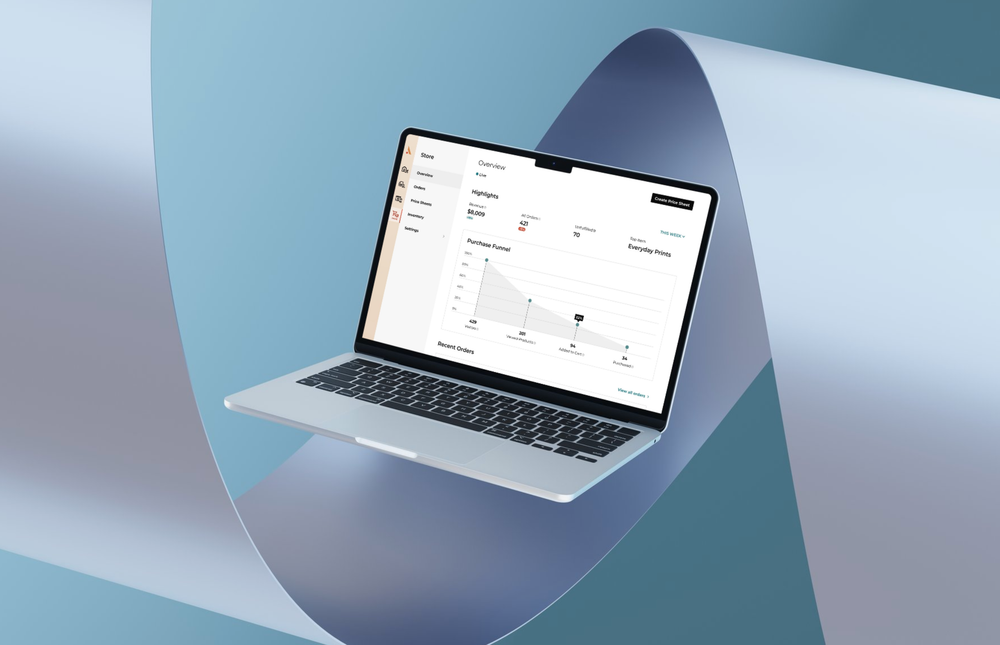
With new features comes the need to expand our designs to accommodate the growth, and we felt introducing a central dashboard that helps you quickly get around the application would be a welcome addition. It also lets you easily see recent activity from your clients as well as recent app updates, so you won’t miss anything new when you log in.
Style Guide
Custom websites are a major part of Afterify and we know it’s important to make it easy for you to build a site that looks and feels like your brand. The original style guide offered quick customization options, but the new interface offers faster and more intuitive editing, mass-publishing of updates, and more color options.
Afterify Brand Refinement
We have also been working to make the application experience overall feel more intuitive and responsive, while cleaning up different aspects of the navigation, settings, tools etc.
What moved where
With the new home section, we made the decision to move the Style Guide and Brand pages into their own section, pulling them out of the Website Builder.
Your brand applies to every tool we have - your website, but also your client galleries in the studio, and your store as well, so it made sense to make accessing your brand options easier from wherever you may be working. You can now find them in the new Home section, and from the quick links on the Dashboard.
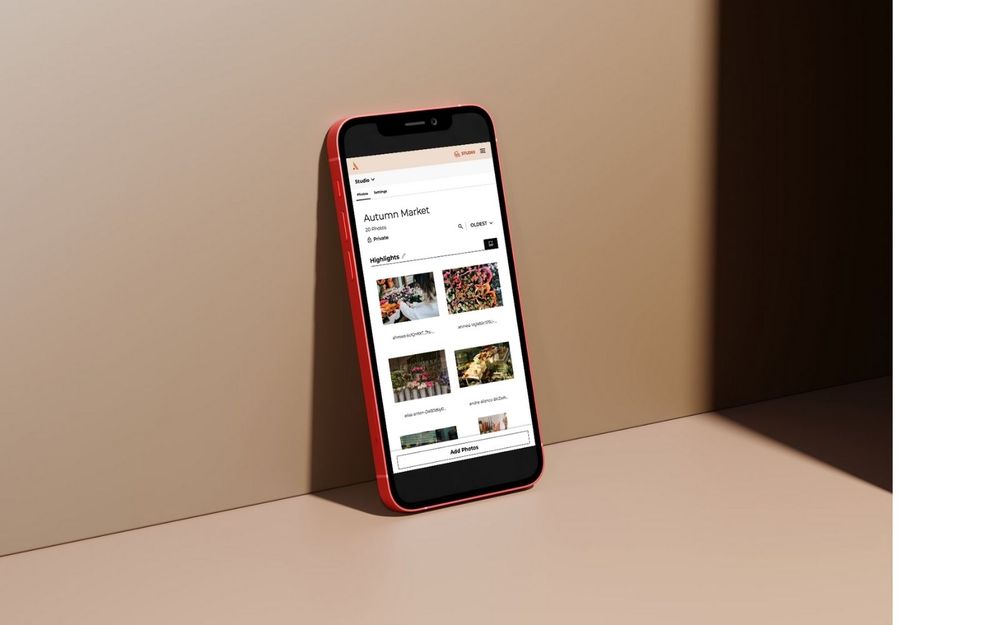
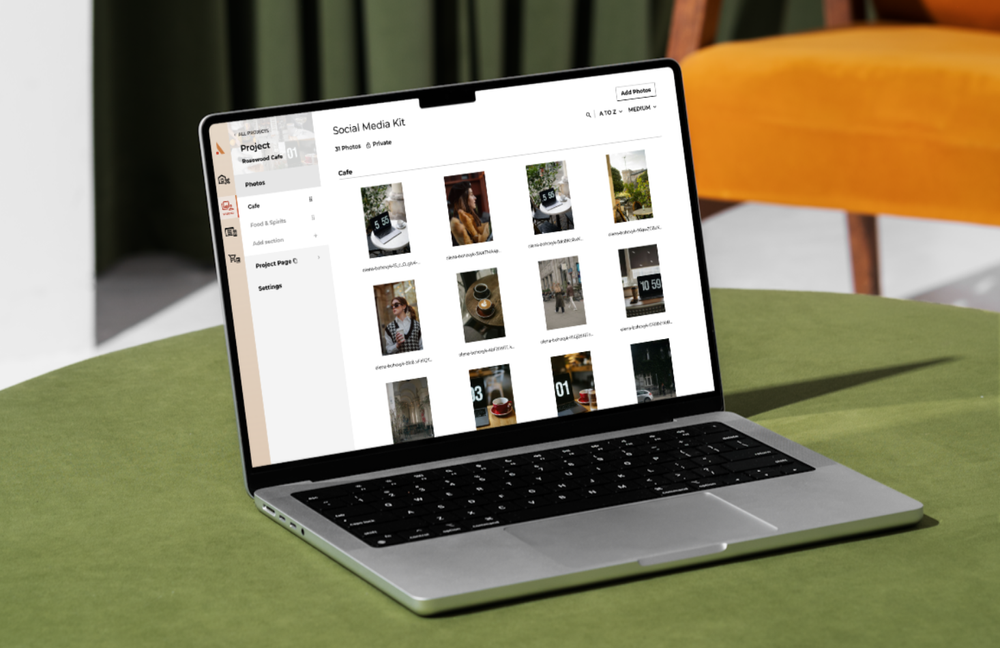
We also used this move as an opportunity to give the Studio Overview page a little freshening up. The Studio is the next major feature that will be getting our full attention, however, so the updates are minimal for now. And while we’re talking about it, if you have any feedback for us on what updates you’d like to see in the Studio, we’d love to hear your thoughts! You can get in touch with us using the form at the end of this article.
Style guide updates
Our new Style Guide has been rebuilt to expand customization options of your websites, client sites, and blog on Afterify. Everything from typography, form elements, buttons, and color swatches; you can really make your website your own.
We also simplified how you preview and edit style guide elements and components. You can preview changes you make in realtime against different page background colors, making it easier to see how the different elements of your brand look together.
Expanded color swatch management allows for better gradient creation as well as the ability to save more colors within your style guide. We also refined the form fields to be more unified in their design, with styles applying consistently across all the form field types.
The new Change History panel allows you to see every Style Guide element you’ve adjusted and remove any changes you don’t want to publish. Once you’re satisfied, you can mass-publish all your changes at once and watch your website instantly be transformed to match the new branding you set.
What’s next
Along with the evolution of our brand, we are always working to bring users the best version of Afterify. Our goal moving forward is to release major versions of the app that offer big improvements, performance increases, and a refined experience. We will still bring small updates but now you can expect each major release to focus on new features and functionality.
So what are we cooking up next? We are always refining the Afterify brand and working on performance improvements, but the next place you can expect to see some big enhancements will be the Studio. Our Studio is the foundation for how all your content is managed and we are excited for an opportunity to give it some upgrades. Don’t forget to send us your feedback on what you’d like to see in the next beta update!