Beta Update v1.2: The Studio
In the last beta update, Afterify v1.1, we released the Home section along with a lot of refinements to the foundational tools in the app such as the Style Guide and Brand options.
But v1.1 was just the start, we had a lengthy list of improvements that we wanted to get started on right away. Introducing v1.2 of Afterify.
This update includes a few main enhancements to our all-in-one platform:
Clients, projects and photos now all live within the new Workspace section in the Studio
The processes of creating clients & projects have gotten a refresh
Refined editing options for client and project web pages
Enhanced process for creating custom client and project web page templates
Plus many performance improvements that were implemented to support all the updates.
Upload, Manage, Share
The main pillar that supports all of the other tools within Afterify is the ability to upload your digital artwork and manage your photography business and your work within our Studio.
The Studio was the first thing that we built for client and client management when we started a few years ago and it has received a few updates here and there, but hasn’t had a real thorough review in awhile.
So when we started working to improve it, we looked over every aspect; from a simple image upload to sharing photos online.
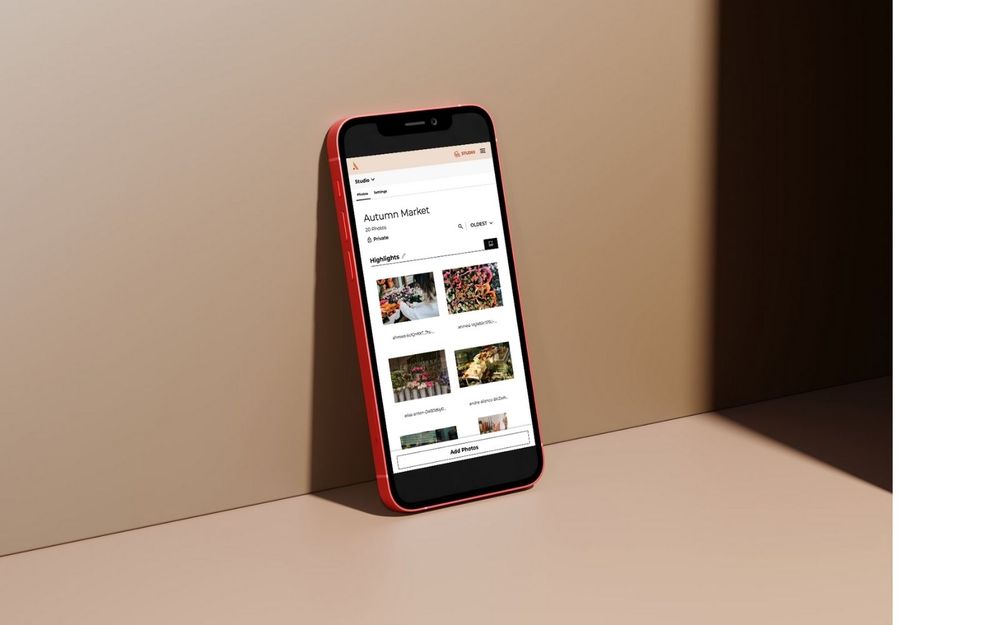
The new Workspace section is where your photos are stored, and they are organized into projects within clients. It also hosts some quick stats so you can keep tabs on interactions with your photos, and allows you to pin clients for easy access.
The process to add new photos has been reworked to allow you to initiate an upload from anywhere within the Workspace. Creating a client, adding projects, and organizing photos is now as simple as a few quick button presses.
Other updates include smoother drag-and-drop photo organization within sections and better visual hierarchy throughout the app so it feels more intuitive to move throughout the Studio.
Gallery Web Pages & Templates
Gallery Web Pages are how you share your photos with clients or users within your website. Client Gallery Web Pages act as a sort of “home page” for your client to be able to find all of their photos, which are organized by project. Project Gallery Web Pages are where users can view the photos as well as other features you can enable like favoriting, downloading, sharing and purchasing.
In v1.2, we updated the editing options for both Client and Project Gallery Web Pages. You’ll find additional customization options as well as the new ability to select styles from your Style Guide. With both of these updates combined, it makes it easier for you to control how consistent or unique your galleries look within your custom website.
If you do design a Client or Project Gallery Web Page that you love and want to save to reuse again, you can save them as Gallery Templates. Templates are used to simplify your workflow, and they should be simple to use as well, so that was our goal as we implemented refinements to the creation, duplication and customization of templates.
The Evolution of Afterify
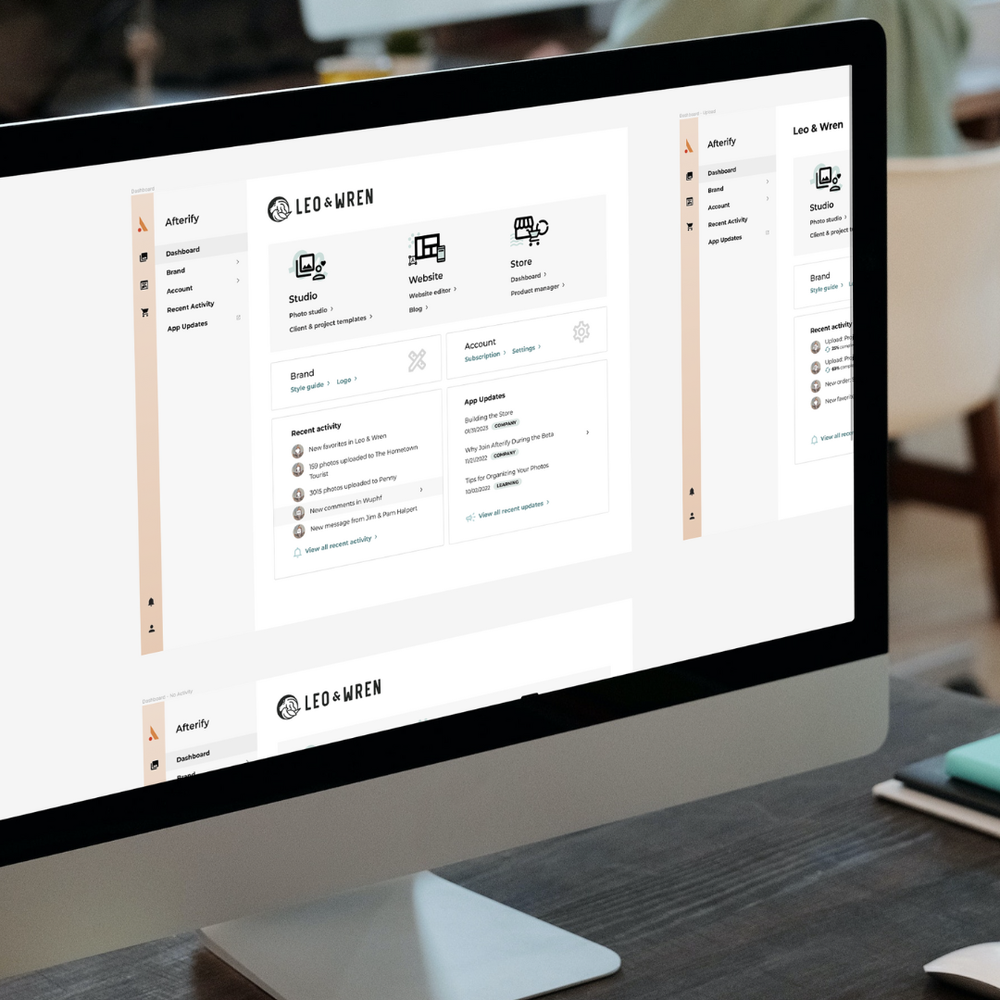
Along with the major new features you’ll be using, we are also continuing to evolve the Afterify brand and application design across the entire site. We want you to enjoy using our tools, but even more than that we want to make it so intuitive to use that you don’t even think about it.
On a more technical level, we’ve worked to improve performance across the site with how data is accessed, saved, and viewed. Realtime updates to the information you see has been a feature since the beginning and something that no other similar service offers today.
What’s Next
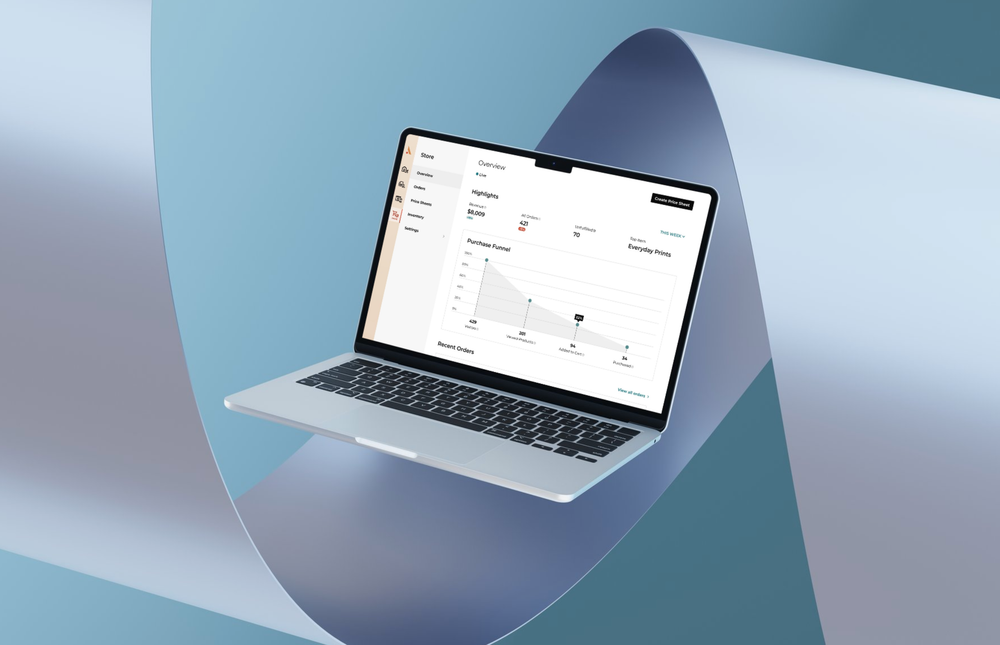
In the near-future, you can expect to see more refinements to existing tools. We’ll be focusing on applying all the great new elements we love from our latest updates to other parts of the site, including the Website Builder and Store.
And after that… there may be another tool we’ve been scheming up and are eager to begin work on…
We hope you enjoy this latest update, and as always please let us know if you have any feedback, questions or ideas for future enhancements! We’re always a click away, just use the feedback tab on the bottom right, shoot us some feedback, or find us on Instagram and Facebook.
Louise & Andrew
Co-Founders